
Download Sky Map APK – Interactive Astronomy App, Star Finder, Night Sky Explorer, Free Planetarium Tool
Overview
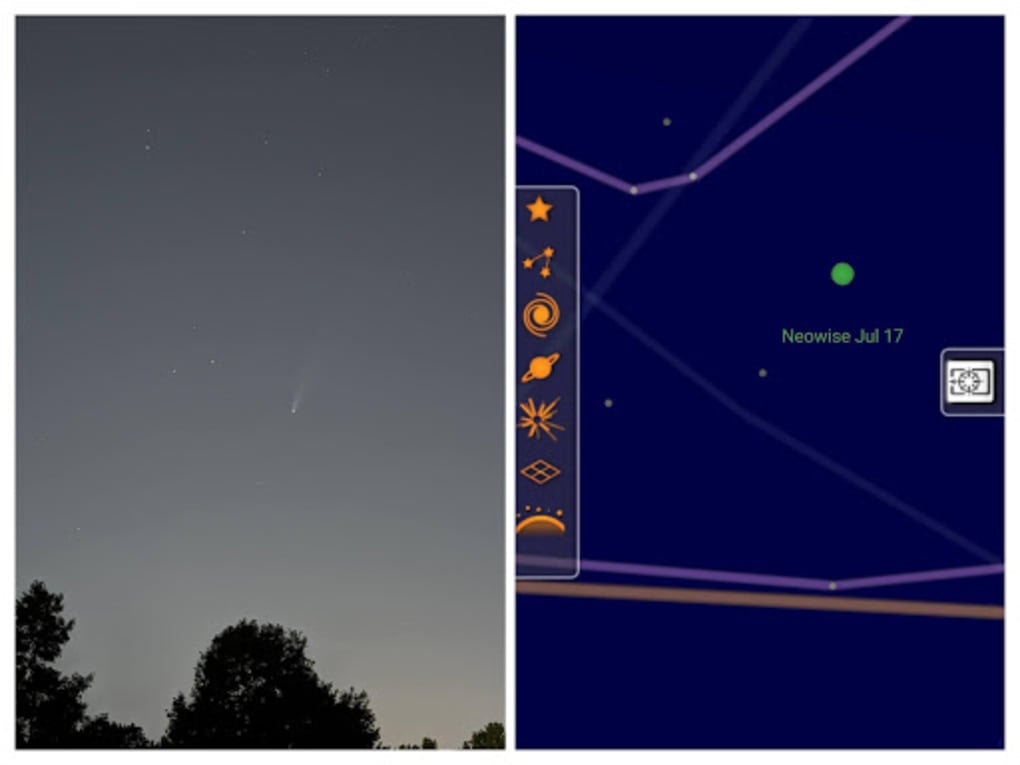
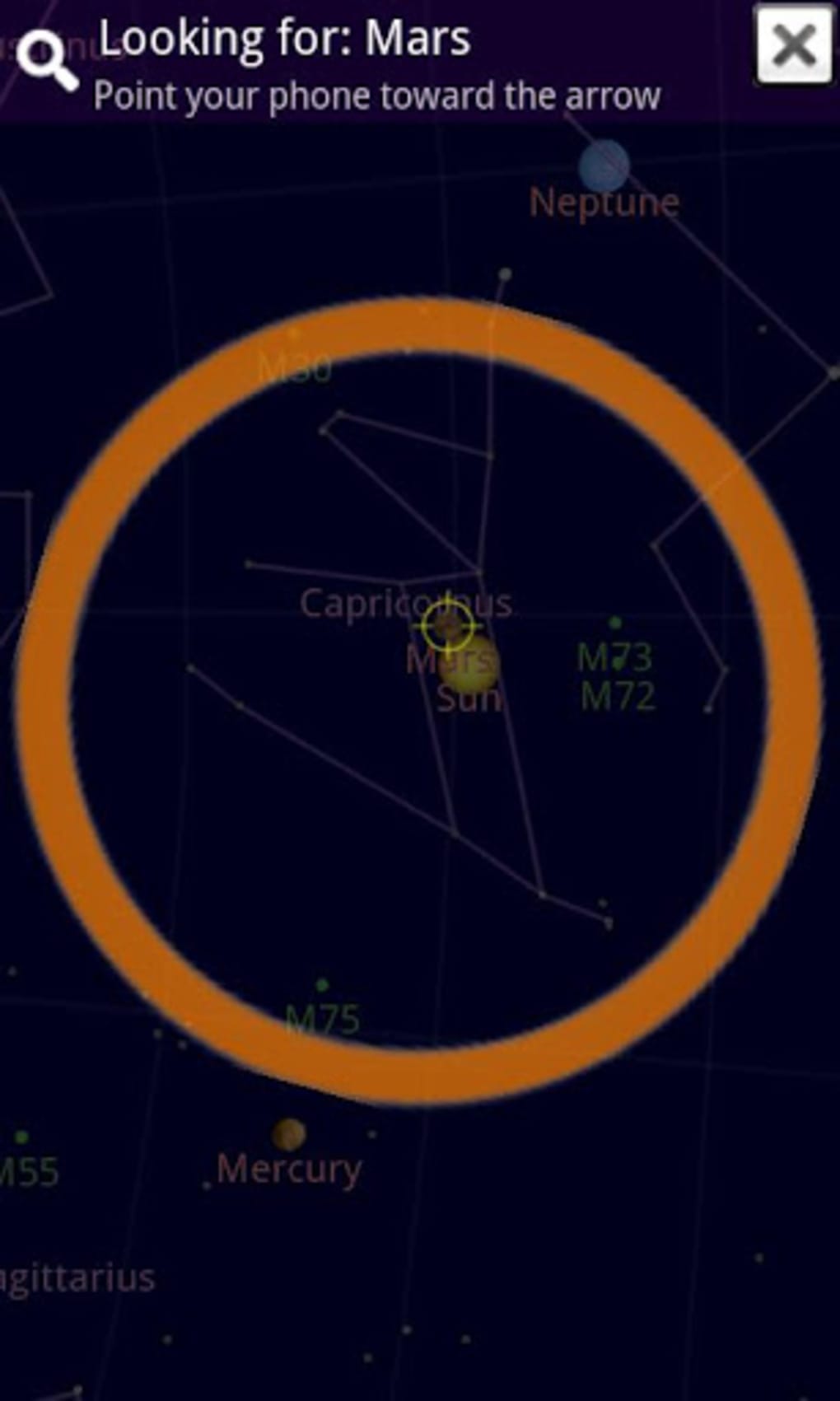
Sky Map is a free mobile application designed to serve as an interactive astronomy tool for users interested in exploring the night sky. Originally developed by a team of Google engineers in 2009, the app was initially known as Google Sky Map before being donated to an independent development group. Now maintained by Sky Map Devs, it functions as a digital planetarium that helps users identify stars, constellations, and planets in real time. The software leverages GPS, compass, and gyroscope sensors to align the on-screen sky map with the user’s physical orientation, offering a dynamic and immersive experience. It is particularly useful for amateur astronomers, educators, and curious individuals seeking to learn more about celestial objects without specialized equipment. The app integrates publicly available data from sources such as NASA satellite imagery and Hubble Space Telescope captures, ensuring accurate representations of the night sky. Its primary purpose is to bridge the gap between casual observation and scientific learning by providing real-time sky mapping. While the app is optimized for mobile devices, the developer did not provide additional system requirements. The exact performance details were not specified. Real-world usage scenarios include outdoor stargazing, classroom instruction, and personal science exploration.Key Features & Capabilities
- Real-Time Sky Mapping – The app uses device sensors to dynamically adjust the sky view based on the user’s orientation, allowing for an accurate representation of the sky in real time.
- GPS and Compass Integration – By accessing GPS and the device’s compass, Sky Map automatically aligns the map with the user’s current location and direction, enabling precise celestial navigation.
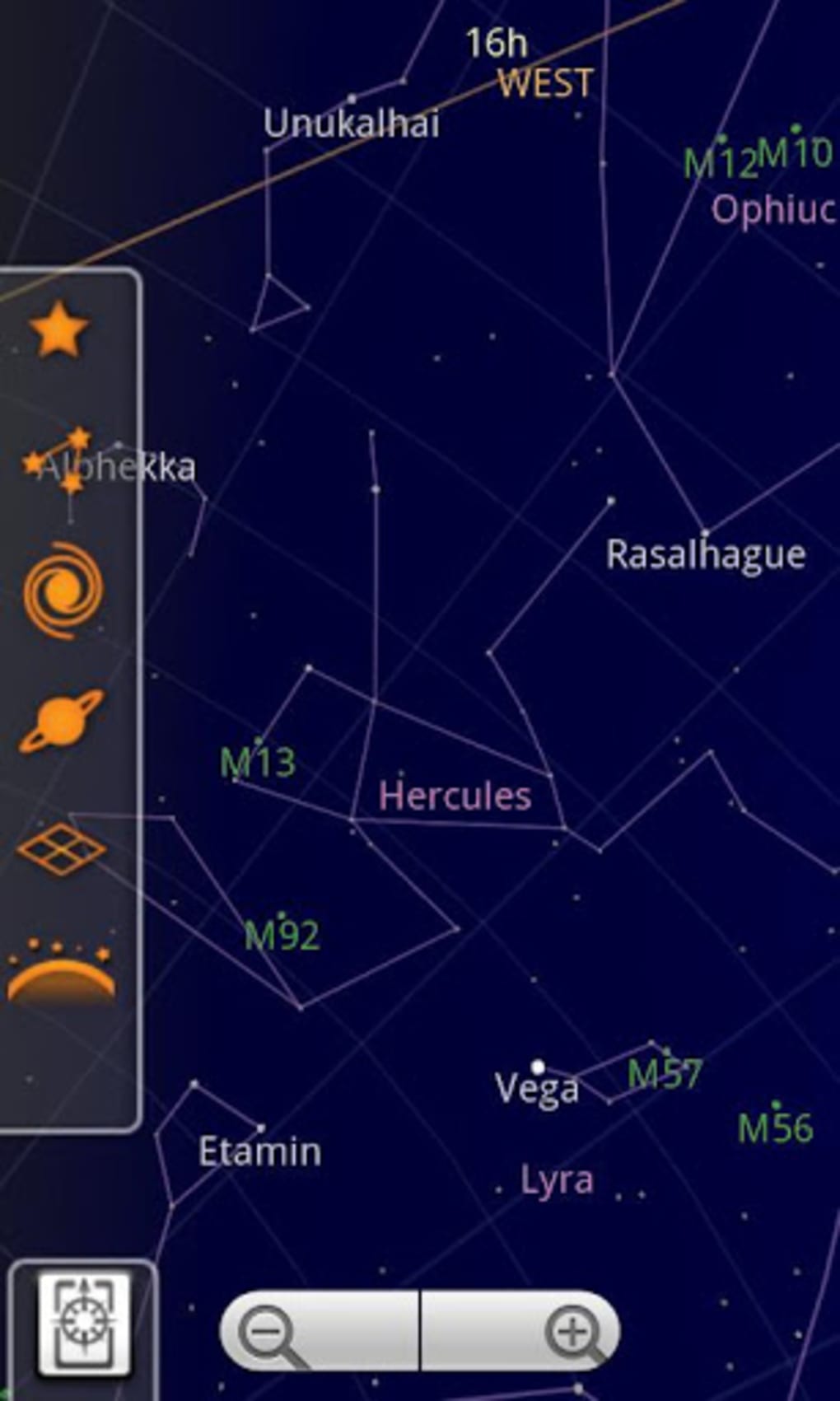
- Interactive Star and Constellation Display – Users can tap on celestial bodies to access basic information such as names, classifications, and related facts, supporting both casual learning and educational use.
- Open-Source Availability – The source code is publicly accessible on GitHub, allowing developers and enthusiasts to study, modify, and contribute to the project.
- Multi-Source Data Integration – The app draws from public datasets including NASA satellite imagery and Hubble Space Telescope data, ensuring high-quality visual and factual content.
User Interface, Workflow & Performance
The user interface of Sky Map is designed around a clean, map-like display of the night sky, centered on the device’s current orientation. Navigation is primarily gesture-based, allowing users to swipe, pan, and zoom using touch input. The layout emphasizes clarity and accessibility, with celestial objects labeled in a way that is easy to read under low-light conditions. The workflow begins with sensor calibration—users are prompted to perform a figure-eight motion to align the compass correctly. This step ensures accurate sky orientation. The app’s responsiveness depends on the device’s hardware, particularly the quality of the gyroscope and GPS. While the developer did not specify resource usage details, general behavior suggests moderate performance demands. Stability is maintained through consistent updates from the independent development team. The app operates reliably in real-time, adjusting the view as the user moves or changes direction. However, the design may appear outdated compared to modern mobile applications. The UI lacks modern animations and visual polish, which may affect user engagement. No information was provided about CPU or RAM usage during operation.Compatibility & System Requirements
Sky Map is designed for mobile devices and supports both Android and iOS platforms. The app is available through the Google Play Store and the official website. The installation size and specific hardware requirements were not listed. The developer did not provide additional details about minimum screen resolution, processor speed, or memory capacity. Compatibility information is limited to platform availability. The app relies on built-in sensors such as GPS, compass, and gyroscope, which are standard on most modern smartphones. Users should ensure their device supports these sensors for optimal functionality. The developer did not specify whether older or low-end devices are supported. Exact performance details were not provided.Pros and Cons
Pros
- Free to download and use with no in-app purchases
- Open-source with accessible code for developers and contributors
- Real-time sky orientation using GPS and sensors
- Simple, intuitive interface for beginners and educators
- Uses high-quality public data from NASA and Hubble
Cons
- Interface design appears outdated compared to modern apps
- Limited scope focusing only on stars, constellations, and planets
- No advanced features like time-lapse, AR overlays, or detailed orbital data
- Dependent on device sensors; may not work well on older or low-end devices
- Minimal visual customization or accessibility options
FAQ Section
Is Sky Map available for both Android and iOS?
Yes, Sky Map is available for mobile devices on both Android and iOS platforms. It can be downloaded from the Google Play Store and the official website.
Is Sky Map safe to download and use?
Yes, Sky Map is a free and secure application developed by an independent group. It does not contain malware or intrusive ads. However, users should only download it from official sources like the Google Play Store or the developer’s website.
Does Sky Map require internet access to function?
While the app uses online data sources for some content, it can function offline after initial data loading. However, real-time sky alignment relies on GPS and sensors, which do not require constant internet access.
How often is Sky Map updated?
Updates are released periodically by the Sky Map Devs team. The frequency depends on community contributions and feature development, but the app remains actively maintained.
Can I contribute to Sky Map’s development?
Yes, Sky Map is open-source, and the source code is available on GitHub. Developers and enthusiasts can view, modify, and submit improvements to the project.





.png)

